
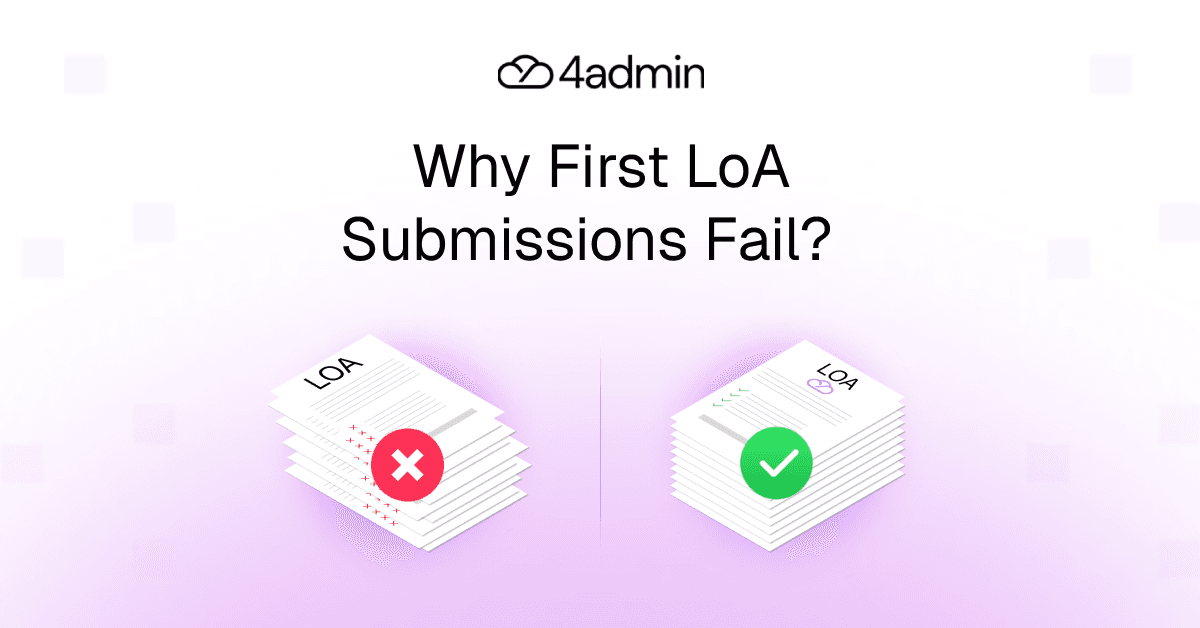
The LoA is submitted. Days might seem to calmly pass in silence. And then, it comes back rejected.
This is a familiar operational reality inside many financial advice firms.
When teams start asking why most LoAs fail on the first submission, the assumption is often that something complex went wrong. Maybe a regulatory nuance. Perhaps, a legal technicality.
But in reality, most first-time failures are not legal problems. They are preventable drafting, data, and validation errors.
This blog is for teams still wondering where their LoAs went wrong on the first submission.
It explains what a Letter of Authority submission actually involves, the most common LoA rejection reasons, and how firms can improve first-time acceptance rates by reducing submission errors and resubmission cycles.
What Is a Letter of Authority Submission?
A Letter of Authority (LoA) submission is the formal request sent to a provider, granting permission for a financial advice firm to obtain client information or act on the client’s behalf. Related Reading: What is a Letter of Authority
In financial advice workflows, LoAs are used to:
Request policy information.
Gather pension and investment data.
Access provider records.
Enable suitability reporting.
Progress transfers and reviews.
An LoA submission is not just a document. It includes:
The correctly completed form or letter.
Required signatures.
Supporting documents.
The correct submission method (portal, email, post).
Providers treat Letters of Authority as legal permission. That means every detail is validated against internal systems before data is released.
Why Most LoAs Fail on the First Submission
When we look at rejection rates across firms, certain patterns repeat.
Most failures are not dramatic. They fall into predictable operational categories like missing information, incorrect details, template inconsistencies, and lack of data completeness checks.
These errors trigger manual review delays, increase rejection rates, and create repeat resubmission cycles.
Below are the primary reasons why most LoA fail on the first submission:
1. Inconsistent Data
Data mismatch errors are one of the most common LoA rejection reasons.
Examples include:
Company name not matching official registration exactly (especially when using outsourced LoA support)
Address differing from provider records.
Incorrect policy or account numbers.
Formatting inconsistencies.
Providers require exact matches. Even minor differences can cause automated rejection or manual review delays.
When data is manually retyped across systems, the risk of incorrect client details increases significantly.
2. Signature and Date Issues
Small oversights like signature discrepancies frequently lead to full rejection.
Common issues:
Missing signature
Missing date
Signature mismatch
Wrong signatory
Electronic signature used where wet signature is required
These are compliance and validation errors. Providers treat signature accuracy as a core control, not a minor detail!
3. Outdated or Expired Authority
LoAs often fail because they fall outside provider validity windows.
Typical scenarios may include:
LoA older than 12 months.
Submission delayed beyond permitted timeframe.
Reusing outdated templates.
Expired authority automatically increases rejection rates and restarts the process.
4. Vague or Incomplete Authority Scope
Incomplete authority requests are a frequent cause of rejection.
For example:
Rights granted not clearly defined
Duration not specified
Authority too broad or unclear
Providers reject unclear permissions to avoid risk exposure. If the scope does not precisely define what information can be shared, it fails validation.
5. Missing Key Information
Simple omissions often trigger rejection.
Some missing key information maybe include:
Signer’s title missing.
Company registration number omitted.
Contact details incomplete.
Supporting ID not attached.
These fall under missing information and incomplete compliance fields. They are preventable with proper data completeness checks.
6. Lack of Specificity
LoAs frequently fail when the request is too generic or broadly worded.
Common examples may include:
“All information relating to the client” without defining product types.
No specific policy, plan, or account reference mentioned.
No defined purpose (e.g., valuation, transfer, servicing).
Multiple providers or plans referenced without clarity.
Providers operate within strict disclosure controls. If the request lacks precision, it creates ambiguity around what can legally be shared.
Hence, triggering rejection or manual compliance review.
7. Provider-Specific Format and Channel Requirements
Provider form variation creates inconsistency risk.
Common errors include:
Incorrect LoA forms used
Wrong template disregarding provider form variation
Incorrect submission route (email instead of portal)
Failure to follow required structure
Without centralised tracking of provider requirements, template inconsistencies and process breakdown points become more likely.
8. No Expiration
An LoA without a defined validity period often fails provider validation checks.
Typical issues might be that expiry date is stated. Other examples may include:
Open-ended or indefinite authority wording.
Authority not aligned with provider time limits.
Duration conflicting with internal compliance rules.
Providers require time-bound authority to manage risk exposure. Open-ended permissions raise governance concerns and are frequently rejected or returned for clarification.
Tips to Prevent Failures
Reducing first-time LoA failure is not about asking teams to be more careful. It requires structural controls. Here are 5 tips to prevent your LoAs from failing on the first submissions:
1. Verify Data Against Official Records
Match Companies House, FCA Register or provider records exactly.
Avoid manual re-keying wherever possible.
2. Standardise Templates
Maintain current provider-specific forms.
Eliminate outdated or duplicated templates.
3. Introduce Pre Submission Checks
Build data completeness checks before sending.
Confirm compliance fields are populated.
Ensure each provider’s submission criteria are followed.
Validate signatures and dates.
4. Track Validity Windows
Monitor authority expiry to avoid automatic rejection.
5. Centralise Provider Requirements
Create a central repository of provider form variation rules and submission channels.
When followed consistently, these improvements reduce submission errors, rejection rates, and manual review delays.
Common LoA Rejection Reasons
Most LoA failures fall into 3 structured categories, here’s a quick look at each:
A. Data Mismatch Errors
Exact match failures between submitted information and provider records in terms of incorrect client details, formatting inconsistencies, or policy number errors.
B. Compliance and Validation Errors
Issues related to authority and documentation such as-
Signature mismatch.
Missing compliance fields.
Expired LoA.
Incomplete authority requests.
C. Process and Workflow Errors
This includes breakdowns in how submissions are prepared and sent, including:
Incorrect LoA forms.
Wrong submission channel.
Missing attachments.
Lack of pre submission checks.
When these errors repeat, the issue is no longer individual oversight.
It becomes a workflow design problem.
Quick Snapshot of Provider Rejection Criteria
Providers typically reject Letters of Authority when:
Information does not match internal records
Authority is unclear or too broad
Required signatures are missing or invalid
LoA is older than 12 months
Required documentation is not attached
Incorrect format or submission channel is used
Each of these relates directly to validation rules. Providers operate structured quality assurance processes. If a submission fails those rules, it is rejected.
How to Improve First-Time Acceptance Rates?
Firms that improve first-time acceptance rates typically introduce 5 essential components:
Standardised data sources.
Reduced manual re-keying.
Embedded validation rules.
Provider-specific logic.
Centralised tracking.
How 4admin Supports First-Time LoA Success
When LoA submissions fail, it is rarely about intent. It is usually about process gaps, data inconsistencies, or missing validation steps. That is where 4admin comes in.
4admin supports firms by helping to:
Extract and standardise client data
Reduce data mismatch risk
Introduce structured validation before submission
Improve visibility across resubmission cycles
Strengthen quality assurance processes
The result is practical and measurable: higher first-time acceptance rates, fewer incomplete authority requests, less rework, more predictable turnaround times, and increased operational capacity across the team.
And the greatest relief? Reduced process breakdown points and turnaround times.
Conclusion
Most Letters of Authority fail on the first submission for preventable reasons.
When data completeness checks, validation rules, and provider-specific requirements are not embedded into the process, submission errors become inevitable.
Improving first-time acceptance is not about working harder. It is about building more control into the workflow.
As volume increases, manual precision becomes fragile. Structured validation turns LoA submission from a reactive task into a predictable system.
If your team is still relying on manual checks and email back-and-forth, now is the time to rethink the process. Build the structure once with 4admin, remove repeat errors, and create a workflow that scales with you, not against you.
FAQs
What are the key aspects of LoA submission?
Accurate data, clear authority scope, valid signatures, correct format, and complete compliance fields.
When should you submit an LoA?
Before requesting client data, valuations, transfers, or policy servicing that requires third-party authority.
How to automate LoA processing?
Use platforms like 4admin to turn manual LoA processing into fast automated workflows by standardising templates, automating data validation, tracking provider rules, and CRM integrations.
How to fix common LoA submission errors?
Use pre-submission checks, signature verification, expiry tracking, and centralised provider requirement controls.
What documents are essential for LoA approval?
A completed LoA form, authorised signature and date, company details, and required ID or compliance documents.
Ready to automate your admin processes?
Learn how you can reduce admin backlog, ensure compliance, and increase capacity.