
A provider pack arrives, the information is checked, and the case is ready to move forward. But if an administrator still has to copy plan details into the CRM, upload the same documents elsewhere, and update another system by hand, the workflow is not fully automated.
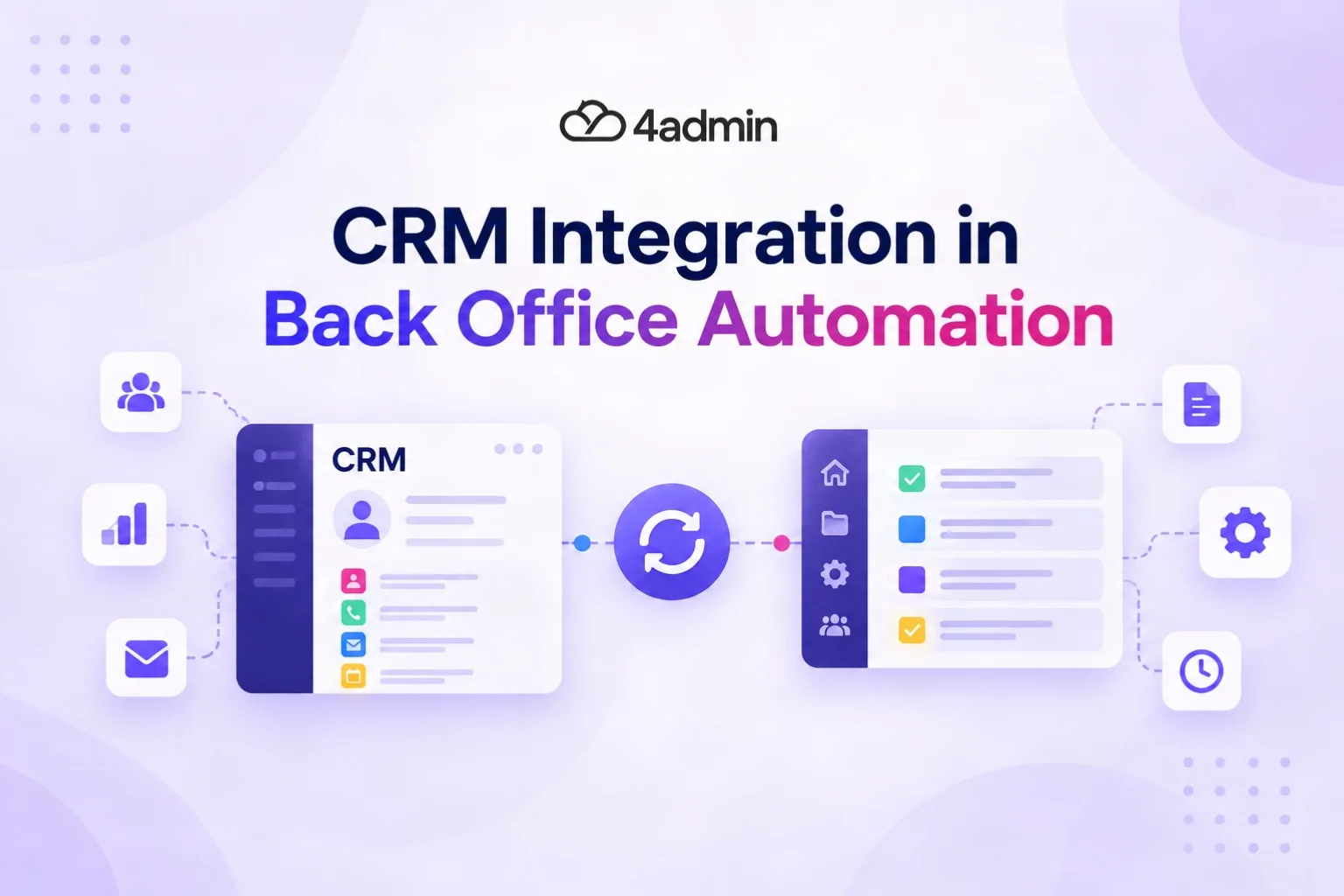
CRM integration matters because back-office automation only works end to end when useful data can move between the systems involved in the advice process. It reduces re-keying, keeps client and policy records more consistent, and gives workflow automation the data it needs to trigger the next step.
This guide explains how CRM integration supports back-office automation for advice firms, what makes the data usable, and how firms can connect existing systems without replacing the tools their teams already rely on.
What CRM Integration Means in Back-Office Automation
CRM integration connects your CRM with other systems so data can move between them in a defined and controlled way. For an advice firm, that could mean moving confirmed provider data, policy documents, valuations, or plan details into the system where advisers, administrators, and paraplanners continue the case.
The purpose is not simply to connect more software. It is to remove manual handoffs between systems and make the underlying data available to the next part of the workflow.
CRM Integration vs CRM Automation: What is the Difference?
CRM integration moves or shares data between systems, while CRM automation uses rules and triggers to carry out actions. The two often work together, but they solve different problems.
For example, an integration may place confirmed plan information into a client record. An automation rule can then create a task, change a case status, or notify the next person once the required data is present.
Why CRM Integration Matters for Advice-Firm Back-Office Automation
CRM integration matters because disconnected systems leave manual work between otherwise automated stages. If staff still need to copy data, upload the same document twice, or reconcile conflicting records, the firm has automated tasks rather than the whole workflow.
It Reduces Re-Keying Between Advice Systems
Integration reduces re-keying by allowing approved information to move into the system that needs it. This is especially valuable when provider data from an LoA process is also needed in the CRM, planning tools, suitability work, or reporting.
Repeated manual entry takes time and creates another chance to mistype a plan number, valuation, charge, or contribution figure. Connected advice workflows are increasingly designed to let information move between systems instead of asking staff to enter it again.
It Keeps Client and Policy Records Consistent
CRM integration helps keep records consistent when the same information is used across several systems. Without clear data synchronisation, one client record may be updated while another system still holds an older value.
The firm should define which system is the source of truth for each important data type. That helps prevent duplicate records, conflicting values, and uncertainty about which version staff should rely on.
It Gives Automation Rules the Data They Need
Automation rules need reliable data before they can make the correct workflow decision. A missing mandatory field, wrong value, or incomplete record can stop a workflow trigger or send a case down the wrong route.
A stronger process looks like this:
Provider information arrives.
Relevant data is extracted and structured.
Validation rules check required fields.
Confirmed data moves into the CRM.
The correct workflow trigger runs.
Exceptions are routed for human review.
This is why integration and automation should be designed together. One moves the data, while the other acts on it.
It Improves Workflow Visibility and Reporting Accuracy
Integrated data gives operations teams a clearer view of what has happened and what is still outstanding. Reporting becomes less dependable when key actions take place in inboxes, spreadsheets, documents, or provider portals but never reach the core system.
Cleaner data can improve reporting on case status, outstanding information, workload, provider delays, and process completion. It also reduces the need to reconcile several sources before management information can be trusted.
It Supports Clearer Records and Auditability
Integration can support auditability when data transfers, updates, workflow actions, and exceptions are recorded properly. An audit log can help show what changed, when it changed, and how a case progressed.
This matters in a regulated environment, but integration does not create compliance by itself. The FCA states that firms under the Consumer Duty need to assess, understand, and evidence the outcomes retail customers receive, making reliable data and management information important to oversight.
It Helps Firms Increase Case Capacity Without Proportional Admin Growth
Reducing manual handoffs can help a firm process more work without admin effort rising at the same rate. The gain comes from removing repetitive steps rather than simply asking staff to work faster.
That can give administrators and paraplanners more time for exceptions, checks, case preparation, and other work that needs human judgement. The exact capacity gain will depend on the firm's processes, case mix, and level of integration.
Why CRM-Ready Data Has to Come Before Workflow Automation
Back-office automation depends on data that is structured, complete, and usable by the receiving system. Sending unstructured or inconsistent information into a CRM does not remove the work if somebody still has to interpret and rebuild the record.
Data Mapping and Field Mapping Tell Systems Where Information Belongs
Data mapping defines how information in one system corresponds to information in another. Field mapping handles the specific destination, such as ensuring a provider name, plan number, start date, or valuation reaches the correct CRM field.
The integration must also respect the receiving system's data schema. A field that expects a date, number, or specific value cannot always accept whatever format exists in the source document.
Validation Rules Stop Bad Data from Triggering Good Workflows
Validation rules check whether information meets the conditions needed before it moves forward. They can require a mandatory field, reject an invalid format, or send an incomplete case into exception management.
This protects the next automation rule from acting on bad input. It also makes integration failure easier to identify instead of allowing incomplete data to pass silently through the workflow.
Structured Data Makes Information Usable Beyond the First Task
Structured data can be reused more easily than information buried in a PDF or email. Once provider information becomes CRM-ready data, the firm can use relevant fields in client records, policy records, reporting, analysis, or downstream workflow steps.
The original document still matters as source evidence. The value of structured data is that staff do not need to reopen the document every time another system needs the same detail.
How Should Data Move Between the CRM and Other Advice Systems?
Data should move according to clear ownership rules, not simply because two systems can technically connect. Firms should decide where each data type originates, which system can change it, and where updates need to appear.
Define the Source of Truth for Each Data Type
A source of truth is the system treated as authoritative for a particular piece of information. One system might own core client details, while another may be the source for confirmed provider or plan information.
This prevents two systems from overwriting each other with different values. It also makes error handling clearer because the team knows which record should be checked when a mismatch appears.
One-Way Sync vs Bi-Directional Sync
One-way sync moves data in one direction, while bi-directional sync allows supported updates to move both ways. Bi-directional sync is useful in some workflows, but it is not automatically the better option.
The right choice depends on data ownership, permissions, and the actions supported by each API. Some information may need a real-time update, while other data is safer to move after validation or human confirmation.
Which Advice-Firm Systems Need to Connect with the CRM?
The systems that need CRM integration are the ones that create, use, or update information needed elsewhere in the advice process. The exact stack will vary by firm, so integration should follow the workflow rather than a fixed software list.
System or Workflow | Why Integration can Matter |
LoA and provider workflows | Move confirmed provider and plan data into core records |
Back-office or CRM platforms | Keep client, plan, task, and document records usable |
Financial planning tools | Reduce repeated entry of information already collected |
Suitability and report-writing tools | Reuse structured plan data in downstream work |
Document systems | Keep supporting evidence with the relevant case or record |
Reporting and MI | Improve consistency of operational data used for oversight |
Platforms used across UK advice workflows can include Intelliflo Office, Iress Xplan, Curo, Plannr, Selectapension, and Genovo. The available data transfer and workflow actions differ by platform and integration, so firms should verify what each connection actually supports.
Common Ways Advice Firms Connect CRM and Back-Office Workflows
Advice firms can connect systems through native integrations, APIs, workflow tools, specialist automation layers, or carefully controlled automation. The best method depends on the systems involved and whether the source information is structured or unstructured.
Approach | Best Fit |
Native connector | A supported connection already exists between platforms |
API integration | Systems need structured, permission-based data transfer |
Workflow or integration platform | Several applications need coordinated triggers and actions |
RPA | Stable, repetitive steps where direct integration is limited |
AI-assisted processing | Documents, emails, and other unstructured information need to be interpreted first |
Specialist Automation Layers Built for Advice Workflows
A specialist automation layer can sit between existing advice systems and manage a specific operational process. This can be useful when the firm wants to keep its CRM but remove the manual work required before clean data reaches it.
For example, provider packs can be processed, checked, and turned into structured plan information before confirmed fields are pushed into the firm's existing system. This makes the integration part of the workflow rather than a separate data-copying exercise.
Where RPA and AI Fit into the Workflow
RPA works best for predictable, rules-based steps, while AI is better suited to interpreting less structured material such as provider documents or emails. RPA can become brittle when interfaces change, while AI output needs validation, guardrails, and human oversight.
Neither replaces integration design. The firm still needs permissions, data mapping, validation rules, error handling, and a clear route for exceptions.
An Advice-Firm Example: From Provider Pack to CRM Without Re-Keying
A provider-pack workflow shows why CRM integration matters better than a generic software example. The useful outcome is not simply extracting data from the pack; it is getting confirmed information into the systems where the case continues.
A connected workflow could look like this:
The LoA is submitted and tracked.
Provider documents arrive.
Relevant plan and policy data is extracted.
Missing information is identified and chased.
The data is checked and structured.
Confirmed information and supporting documents move into the CRM or back-office system.
The next task or workflow stage can begin.
This removes the handoff where somebody would otherwise reopen the provider pack and rebuild the policy record by hand.
How to Plan CRM Integration for Back-Office Automation
A good CRM integration project starts with the workflow, not the connector. Firms should first identify where work stops because information has to be moved, checked, or re-entered manually.
A practical sequence is:
Map manual handoffs: Find every point where staff copy fields, move documents, update duplicate records, or message somebody to start the next task.
Set data ownership: Decide the source of truth for client, policy, document, and workflow data.
Map fields: Define the source field, destination field, format, and data schema requirements.
Set validation and permissions: Decide which fields are mandatory, who can update them, and what must be checked before transfer.
Choose the sync direction: Use one-way or bi-directional sync according to actual workflow needs.
Plan exceptions: Define error handling, alerts, retry rules, and manual review when the integration fails.
Test the full workflow: Check the result in the receiving system, not just whether the API reported a successful transfer.
This approach keeps workflow orchestration tied to operational needs. It also stops integration from becoming a technical project with no clear effect on day-to-day admin.
What to Look for in Back Office Automation Software That Integrates with Your CRM
Back office automation software should fit the systems and controls your firm already uses. The key question is not how many integrations a product advertises, but what data and workflow actions those integrations actually support.
Check for:
API or supported connector access to your core systems
Clear field mapping and data mapping
Validation rules before data is written
Secure authentication and appropriate permissions
Duplicate-record controls
Error handling and exception management
Audit logs for important workflow activity
Support for structured and unstructured provider data
Clear one-way or bi-directional sync behaviour
The ability to keep your existing CRM as the core working system
Ask the supplier to demonstrate the complete workflow using realistic case data. A connector that transfers only a few headline fields may still leave substantial re-keying for the admin team.
How 4admin Connects Provider Data with Existing Advice-Firm Systems
4admin acts as an integration layer around advice-firm workflows rather than asking firms to replace their core systems. It handles provider and LoA work, structures the information that comes back, and moves supported data into the tools the firm already uses.
4admin currently documents integrations with Intelliflo, Xplan, Plannr, Curo, Genovo, and Selectapension. The data and actions supported differ by integration, so the workflow is shaped around what the target platform allows.
For example, the Intelliflo integration can create or update plans with confirmed provider information, documents, valuations, fund holdings, charges, and contribution histories. The Xplan integration can create or update core plan records and attach provider documents, with custom workflow actions available where the Xplan API supports them.
The aim is simple: provider data should not stop at the point where it has been extracted. It should reach the client or policy record in a usable format so the team can continue the case without rebuilding the same information manually.
Bottom Line
CRM integration matters in back-office automation because it closes the manual gaps between systems. It helps clean, confirmed information move into the records and workflows that advisers, administrators, and paraplanners already use.
For advice firms, the best integration is not the one that connects the largest number of tools. It is the one that reduces re-keying, preserves data integrity, handles exceptions clearly, and helps each case move to the next stage with less manual intervention.
Frequently Asked Questions
What is CRM Integration in a Financial Advice Firm?
CRM integration connects the CRM with other systems so supported client, policy, document, or workflow data can move between them. It reduces the need for staff to copy the same information manually across different tools.
How Does CRM Integration Support Back-Office Automation?
CRM integration supplies back-office workflows with the data they need and passes completed information to the next system. This allows automation rules and workflow triggers to run without relying on repeated manual data entry.
What Is the Difference Between CRM Integration and CRM Automation?
CRM integration connects systems and transfers data, while CRM automation performs actions based on rules or events. An integrated system may supply the information that a CRM automation needs before it can create a task, update a status, or start another workflow.
What Is the Difference Between One-Way and Bi-Directional CRM Sync?
One-way sync sends data from one system to another. Bi-directional sync allows supported data to move both ways, but firms should only use it when ownership rules and permissions are clear enough to prevent conflicting updates.
Does CRM Integration Remove All Manual Data Entry?
CRM integration can remove a large amount of repeated data entry, but not every manual step should disappear. Exceptions, incomplete provider information, ambiguous data, and regulated decisions may still require human review.
Does CRM Data Need to Synchronise in Real Time?
No. Real-time updates are useful for some workflows, but other information should move only after validation, confirmation, or a scheduled event. The right timing depends on the data and the risk of updating the wrong record too early.
How Do APIs Support CRM Integration for Financial Advisers?
An API gives authorised systems a structured way to exchange supported data and actions. It can allow back-office automation software to create or update records without staff manually copying information between applications.
What Should Advice Firms Look for in Back-Office Automation Software?
Look for integrations with your existing systems, reliable field mapping, validation, permissions, error handling, audit logs, and clear exception management. The software should reduce manual handoffs without forcing the firm to rebuild its whole technology stack.
Which CRM and Advice Systems Can 4admin Work With?
4admin currently lists integrations for systems including Intelliflo, Iress Xplan, Curo, Plannr, Selectapension, and Genovo. The exact fields and workflow actions vary by platform, so firms should check the relevant integration before assuming that every connection supports the same data or sync direction.
Ready to automate your admin processes?
Learn how you can reduce admin backlog, ensure compliance, and increase capacity.