
Letters of authority (LoAs) sit at the centre of financial advice operations.
They’re repetitive.
They’re high-volume.
And they’re operationally critical.
Every LoA workflow involves document intake, data extraction, validation, quality control checks, and compliance handling. On paper, each step feels manageable. In practice, small inefficiencies multiply quickly as volume increases.
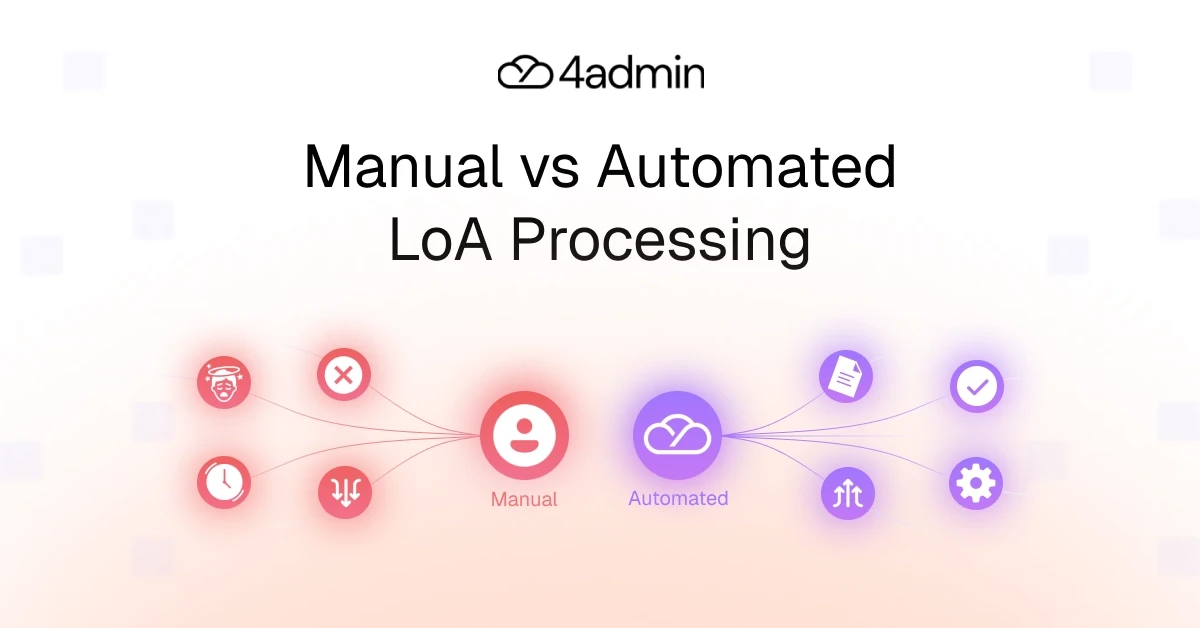
That’s why manual vs automated LoA processing is not just a technology debate. It’s an operational one.
LoAs provide a clear lens to compare workflow efficiency, operational cost, error rate, and scalability limits inside advice firms.
Stepping out of the manual vs automated LoA processing debate, this blog will give you a detailed breakdown of both manual and automated LoAs in terms of time, cost, and error rates.
Comparison At A Glance: Manual vs Automated LoA Processing
Before diving into detail, here’s a high-level LoA workflow comparison across the core metrics that matter.
Feature | Manual Processing | Automated Processing |
Speed and Efficiency | Time-consuming, often taking days/weeks for manual reviews, data entry, and policy analysis. | Processes documents in 30-60 seconds, enabling near-instant turnaround for routine tasks. |
Cost and Resource Allocation | Low initial setup but high operational costs due to labor-intensive, repetitive tasks. | Higher upfront investment but lower long-term costs, freeing up staff for high-value tasks. |
Accuracy and Quality | High risk of human error (e.g., misreading, data entry mistakes) and inconsistent application of rules. | AI-powered extraction ensures 95%+ accuracy and consistent application of validation rules. With human-in-the-loop overlay ensuring maximum quality control. |
Security and Compliance | Data is vulnerable to human error, security breaches and harder to track or audit. | Ensures compliance via digital, encrypted, and traceable trails, minimising fraudulent, or unauthorised actions. |
Scalability | Difficult to scale; increased volume leads to bottlenecks. | Scales effortlessly to handle high-volume surges without additional headcount. |
The measurable differences in processing time, operational cost, and error rate compound as volume grows.
Let’s break this down properly.
Detailed Breakdown
LoA Processing Time Comparison: How Long an LoA Takes to Process
Manual LoA Processing
A manual Letter of Authority workflow typically includes:
Reading provider PDFs.
Manual data extraction.
Re-keying policy details into CRM or back-office systems.
Quality control checks.
Exception handling.
Follow-ups for missing information.
On average, handling time sits around 20-30 minutes per document. But that’s only the visible labour time.
True turnaround time includes:
Waiting on provider responses
Analysis time
Internal handovers
Rework cycles when errors are identified
A single LoA can take weeks once delays are included. Complex cases often stretch to many hours of cumulative handling across different team members.
This creates:
Capacity constraints
Increased admin workload
Service level impact when volume spikes
Manual workflows rarely fail visibly. They just happen to extend turnaround time stealthily.
Automated LoA Processing
Automated LoA processing introduces:
AI-driven data extraction.
Rules-based validation.
Structured quality control checks.
Automated exception routing.
Handling time drops significantly, often from ~25 minutes to under 1-3 minutes per document.
More importantly, analysis times reduce. Data is validated before entering downstream systems, which improves workflow efficiency.
Impact
The impact is not just speed.
It’s predictability.
Faster processing time supports quicker revenue recognition, improved onboarding timelines, and fewer operational bottlenecks.
Cost Comparison: Direct and Indirect Spend
Manual Processing Costs
The cost of manual LoA handling is driven primarily by labour.
A basic labour cost analysis includes:
Admin time per document.
Paraplanner oversight.
Compliance checks.
Error correction.
Storage and document handling.
Industry reports suggest the average cost per LoA is approximately £111 in UK advice firms depending on salary structure and overhead.
But visible labour cost is only part of the equation.
Indirect costs include:
Error correction depending on severity.
Escalations to advisers or managers.
Extended turnaround time.
Increased compliance workload.
Manual operational cost scales linearly. If LoA volume doubles, labour cost doubles.
That’s where scalability limits appear.
Automated Processing Costs
Automated processing introduces:
Upfront setup or subscription costs
Lower per-document processing cost
Once implemented, the marginal cost per LoA declines drastically as volume increases.
Impact
Operational cost reductions of 60-80% are common when structured automation replaces manual data handling.
The key difference:
Manual cost grows with headcount.
Automation absorbs volume without proportional labour increases.
That’s the structural shift.
LoA Error Rates: Manual vs Automation
Manual Error Rates
Manual data handling leads to mistakes such as missed datapoints, incorrect or outdated policy details and inconsistent records across LoA workflows..
Common data entry errors include:
Missed fields
Misread policy details
Incorrect re-keying
Inconsistent formatting
Duplicate entries
These errors trigger:
Rework cycles
Compliance exposure
Delayed client onboarding
Service level impact
The real issue is that errors rarely appear immediately. They surface later during handovers, reviews, audits, or provider disputes.
Automated Accuracy
Automated LoA processing uses:
AI extraction
Rules-based validation
Duplicate detection
Structured data formats
Reported accuracy rates typically exceed 99% when human validation layers are properly configured.
More importantly, error correction effort drops significantly.
Impact
Validation occurs early, not downstream. Exception handling becomes structured rather than reactive.
That in turn, reduces rework cycles and stabilises workflow efficiency.
Why Automate LoA?
Automating LoA streamlines workflows in financial advice firms. It cuts down manual chasing, rekeying, data retrieval loops, and errors from inconsistent formats. But, it doesn't stop here.
Automating LoA’s also helps a firm get rid of the hidden costs of manual LoA processing.
Hidden Costs of Manual LoA Processing
Beyond visible labour cost, manual workflows introduce:
Staff burnout from repetitive admin workload
Increased compliance exposure
Capacity constraints during peak periods
Delayed revenue due to extended turnaround time
These operational costs are rarely tracked in isolation. But collectively, they shape your firm’s performance and service level impact.
While manual LoA processing suits small firms in low-volume scenarios, it does not optimise for consistency or scale.
Benefits of Automation
Operational Benefits
Reduced rework cycles.
Improved process standardisation.
Stronger workflow efficiency.
Structured exception handling.
Financial Impact
Lower cost per LoA.
Reduced labour cost exposure.
Improved scalability.
Better labour cost analysis.
Compliance and Audit Implications
Structured audit trail.
Consistent quality control checks.
Reduced data entry errors.
Clear documentation history.
Bottom line: Automation reduces variability, particularly in regulated environments where variability is a risk.
Closing the Gap Between Manual and Automated LoA Processing With 4admin
The difference between manual vs automated LoA processing is not theoretical.
It shows up in:
Processing time
Cost per LoA
Error rate
Admin workload
Scalability limits
4admin sits at this intersection.
Instead of pushing provider PDFs straight into your CRM, 4admin:
Extracts policy data using AI.
Applies validation rules before data entry.
Reduces re-keying across admin and paraplanning.
Standardises LoA workflow efficiency.
Creates a clean audit trail.
It acts as a structured automation layer between provider documents and your core systems.
The result is:
Lower operational cost.
Reduced error rate.
Improved turnaround time.
Greater scalability.
Conclusion: The Trade-Off Is Not Speed vs Control
Manual LoA processing optimises for flexibility.
But as volume increases, it introduces higher labour costs, increased rework cycles, greater compliance risks, and limits scalability.
On the other hand, automated processing optimises for:
Consistency
Accuracy
Process standardisation
Workflow efficiency
Long-term scale
The measurable differences in time, cost, and error rate compound quickly. The decision is not really about automation. It’s about how much inefficiency a firm is prepared to carry as volume grows.
If your firm is evaluating manual vs automated LoA processing, the question becomes simple: Are your current workflows built for today’s volume, or tomorrow’s?
FAQs
What key metrics should financial advisers track when comparing manual and automated LoA processing?
Track processing time, error rates, staff hours, compliance incidents, and cost per LoA to compare manual vs automated LoA workflows.
How do provider inconsistencies impact error rates in manual LoA workflows?
Inconsistent provider formats and response standards increase manual data entry errors, duplication, and delays.
What are the setup costs and ROI timeline for implementing automated LoA systems?
Automation involves software and setup costs, with ROI typically achieved within 3-6 months through efficiency and risk reduction.
Can automated LoAs handle complex or legacy product requests as effectively as manual ones?
Yes. Well-configured automated systems can manage complex or legacy LoAs using rule-based workflows and exception handling.
How does automation improve client experience during the LoA data-gathering phase?
Automation improves client experience by reducing back-and-forth, speeding up updates, and increasing transparency.
What is the best tool for automating LoAs?
A leading tool for automating LoAs is 4admin, built specifically for compliant, structured LoA processing.
Ready to automate your admin processes?
Learn how you can reduce admin backlog, ensure compliance, and increase capacity.