
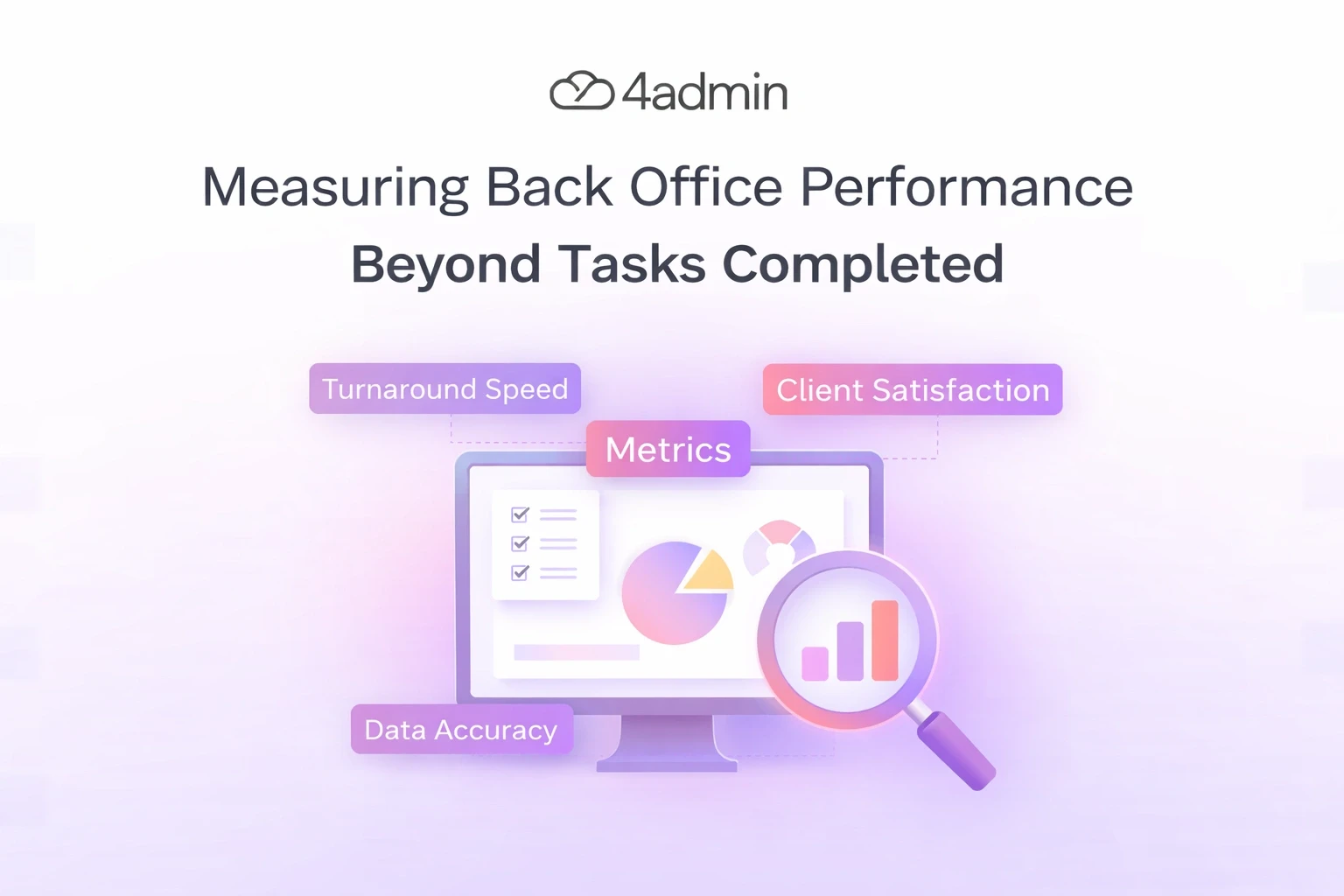
Many firms still measure back office performance by one simple number: tasks completed. It looks clean on a dashboard, but it does not show how well the work is actually moving.
A team can complete a high number of tasks and still have slow case progress, repeated errors, poor handoffs, and growing backlog. That is why measuring back office performance beyond tasks completed matters so much, especially in busy financial advice operations.
If you only track activity, you only see how busy the team is. You do not see whether the work is accurate, on time, easy to track, or helping the business scale.
This article explains what back office teams should measure instead. It also shows how to build a clearer performance view that supports speed, control, quality, and capacity.
Why Tasks Completion Alone is Not Enough
Counting tasks is easy, but it only shows volume.
It does not show whether the work was done correctly. It does not show whether the task had to be redone. It also does not show whether the process helped the business move faster or created more delays later.
For example, a back office team might process 500 requests in a week. That sounds strong. But if many of those requests contain mistakes, need follow-up, or create extra work for another team, the number alone becomes misleading.
This is the main problem with measuring output only. It focuses on activity, not actual performance.
What Strong Back Office Performance Really Looks Like
Good back office performance means work moves through the system with less friction. It also means the work is accurate, visible, and easy to control.
In practice, strong performance looks like this:
Cases move forward without long silent gaps
Teams can see what is waiting, delayed, or blocked
Data stays clean across systems
Rework stays low
Capacity grows without chaos
That is the real goal. Back office performance should show whether the operation is becoming faster, cleaner, and more reliable as volume grows.
The Most Useful Back Office Performance Metrics
1. Turnaround Time
Turnaround time shows how long a piece of work takes from start to finish. This is one of the clearest ways to measure operational efficiency.
It matters because clients and advisers do not feel “tasks completed.” They feel how long the outcome takes.
You can track turnaround time for:
Client onboarding
LoA processing
Provider follow-ups
CRM updates
Income reconciliation
Document review
If turnaround time stays high, task volume alone will not save you. The process is still slow.
2. First-Time-Right Rate
This metric shows how often work is completed correctly the first time. It is one of the best quality measures in any back office team.
A low first-time-right rate usually means avoidable mistakes. That leads to corrections, repeat work, delays, and extra pressure on the team.
3. Rework Rate
Rework rate shows how much work has to be done again. This is where hidden inefficiency often sits.
A team may look productive on paper, but if a large share of work is being reopened, corrected, or sent back, real performance is weaker than it appears.
4. Backlog Size
Backlog size tells you how much work is still waiting. It helps you see whether demand is growing faster than processing capacity.
A growing backlog is an early warning sign. It often shows the team is under pressure even before service levels drop.
5. Backlog Age
Backlog size alone is not enough. You also need to know how old that work is.
Ten open items from yesterday are very different from ten open items that have sat untouched for three weeks. Aged backlog shows where performance risk is building.
6. Error Rate
Error rate measures how often work contains mistakes. This can include wrong data, missing fields, incomplete submissions, duplicate records, or incorrect routing.
This metric matters because bad data creates problems later. It slows reporting, causes more checks, and weakens trust in the workflow.
7. SLA or Due-Date Hit Rate
This shows how often work is completed within the target timeframe. It helps connect internal performance to service delivery.
A team may close many tasks, but if deadlines are still missed, the operation is not truly performing well.
8. Handoff Delay
Many back office delays happen between people, not inside tasks. Work gets stuck while waiting for review, approval, update, or ownership.
Tracking handoff delay helps you find those quiet bottlenecks. It also makes role clarity and workflow design easier to improve.
9. Data Completeness and Data Quality
Back office work often depends on clean, structured data. If data is incomplete, inconsistent, or spread across systems, performance drops fast.
That is why data quality is not just an IT issue. It is a core back office performance metric.
Measuring Back Office Performance in a Financial Advice Firm
In a financial advice firm, back office performance affects more than admin speed. It affects onboarding, LoA progress, provider communication, CRM accuracy, compliance readiness, and adviser capacity.
That means firms should track performance by workflow, not only by team activity. A useful view should show what is moving, what is blocked, what needs action, and where errors are repeating.
The most useful workflow-level metrics often include:
Average onboarding completion time
LoA turnaround time
Provider response wait time
CRM update delay
Rework per case
Missing data rate
Case status visibility
Admin hours per completed outcome
This gives managers a much better picture. It shows whether the operation is just busy, or actually improving
A Simple Back Office Performance Scorecard
You do not need a huge dashboard to start. A small scorecard is often better because teams actually use it.
A simple scorecard can be built around four areas:
Speed
Turnaround time
Due-date hit rate
Handoff delay
Quality
First-time-right rate
Error rate
Rework rate
Control
Backlog size
Backlog age
Workflow visibility
Scale
Work completed per full-time employee
Capacity gained without hiring
Manual touchpoints removed
This kind of scorecard keeps performance balanced. It stops one metric from hiding another.
Common Back Office Performance Mistakes
Many teams collect data but still miss the real story. That usually happens because the wrong behaviours are being rewarded.
Avoid these common mistakes:
Measuring only completed tasks
Treating all tasks as equal
Rewarding speed without checking quality
Ignoring rework
Ignoring aged backlog
Hiding delays inside partial task closure
Looking at weekly totals without checking workflow bottlenecks
These mistakes make reports look better than reality. Over time, they also make process problems harder to spot.
How Automation Changes the Way You Measure Performance
Automation does not only change how work gets done. It also changes what you can measure.
When workflows are structured, teams can track progress in real time. They can see ownership, delays, missing data, and repeat issues much more clearly.
This is important because better measurement leads to better decisions. Managers can see whether automation is reducing admin effort, lowering error rates, improving turnaround, and increasing capacity without adding headcount.
That is a stronger performance model than simple task counting. It measures outcomes, not just activity.
How 4admin Helps Improve Back Office Performance
Back office performance becomes harder to manage when work is spread across emails, spreadsheets, provider documents, and separate systems. That is where 4admin fits in.
4admin helps firms bring more structure into high-volume back office workflows. It supports firms by reducing manual admin, improving visibility, and making provider and workflow data easier to handle.
In practical terms, 4admin helps teams:
Centralise workflow tracking
Automate repetitive follow-ups
Reduce manual data entry
Extract data from provider documents
Prepare cleaner CRM-ready outputs
Improve visibility across open work
Reduce delays caused by missing or inconsistent data
This matters because better visibility leads to better measurement. When managers can see where work is delayed, where rework is rising, and where data quality is weak, they can improve performance faster
Bottom Line
Measuring back office performance beyond tasks completed gives you a more honest view of operations. It helps you see speed, quality, control, and capacity together.
Task counts still have a place, but they should never stand alone. The stronger view comes from tracking turnaround time, rework, backlog age, error rates, data quality, and workflow visibility.
That is how firms move from busy teams to high-performing operations. And that is how back office work becomes easier to scale, easier to manage, and more valuable to the whole business.
Looking to improve efficiency across your financial operations? 4admin Back Office Automation helps firms streamline internal processes and reduce operational bottlenecks. Book a demo with 4admin to see the platform in action.
Frequently Asked Questions
What does back office performance mean?
Back office performance means how well internal work moves through the business. It covers speed, accuracy, control, visibility, and workload handling.
Why is measuring tasks completed not enough?
Because task counts only show activity. They do not show delays, rework, poor handoffs, missed deadlines, or bad data.
Which back office metrics matter most in financial advice firms?
The most useful ones usually include onboarding time, LoA turnaround time, error rate, rework, CRM update delay, and backlog age. These metrics show whether work is really progressing across the case journey.
How often should back-office performance be reviewed?
Core metrics should be reviewed weekly. Monthly reviews are useful for trend analysis, workflow changes, and capacity planning.
Ready to automate your admin processes?
Learn how you can reduce admin backlog, ensure compliance, and increase capacity.