
Provider follow-ups are one of the most persistent sources of administrative work in financial advice firms. One unanswered email becomes a reminder, then another chaser, a phone call, a spreadsheet update and a note in the CRM.
Multiply that across dozens of Letters of Authority (LOAs) and transfer cases, and manual follow-ups quickly become a significant drain on administrator time. The issue is not simply how often firms chase providers, but whether each follow-up is timely, visible and linked to the right case status.
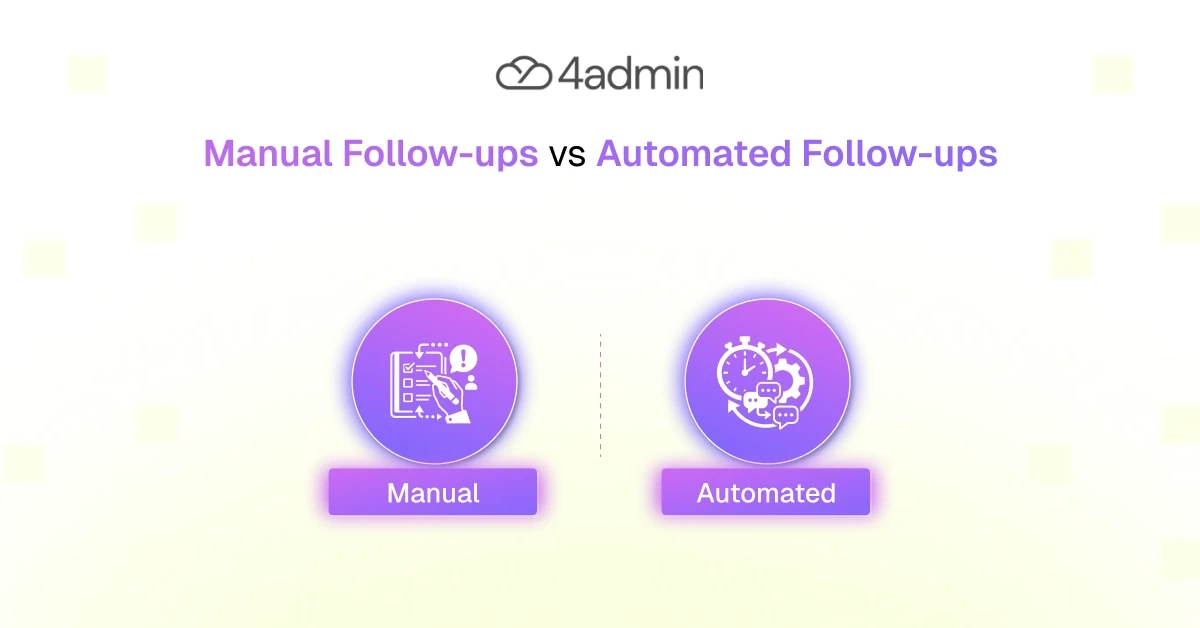
Manual follow-ups offer judgement and flexibility, while automated follow-ups bring consistency, speed and scale. The strongest provider communication process combines both, using automation for routine actions and human intervention for exceptions.
This blog covers the differences, use cases, risks and workflows behind manual vs automated follow-ups in provider communication.
What Are Manual Follow-Ups in Provider Communication?
Manual follow-ups are provider communications that administrators plan, send and record themselves.
An administrator reviews a case list, checks when a provider was expected to respond, writes a chaser email, makes a phone call and then updates the case record. The next follow-up goes into a personal task list, spreadsheet, shared mailbox or CRM workflow.
This approach depends heavily on staff time, memory and judgement. The administrator must know:
When the last request was sent
When the provider is expected to respond
Whether a follow-up is already due
What information remains outstanding
Whether the provider has replied elsewhere
When the case should be escalated
Manual provider communication takes place through email, phone calls, provider portals, spreadsheets, task lists and CRM notes. When these channels are not connected, the communication history can become fragmented and difficult for other team members to follow.
What Are Automated Follow-Ups in Provider Communication?
An automated provider follow-up is triggered by a rule, date, milestone or change in case status rather than being manually scheduled by an administrator.
Workflow automation can monitor the progress of a case and trigger the next action when specific conditions are met. For example, an automated reminder is sent when a provider has not responded within an expected timeframe.
Provider chaser automation can support:
Letter of Authority follow-up
Provider-pack chasing
Automated reminders for overdue responses
Follow-ups for missing information
Escalation when response times are exceeded
Automation does not mean removing administrators from the provider communication process. It means using automation for predictable actions, while keeping administrators involved when a case requires interpretation, clarification or escalation.
Manual vs Automated Follow-Ups in Provider Communication at a Glance
Here's a summary of the differences between manual and automated follow-ups:
Area | Manual follow-ups | Automated follow-ups |
Follow-up scheduling | Managed through calendars, task lists or individual reminders | Triggered at predefined intervals |
Speed and consistency | Depends on workload and staff availability | Applied consistently across eligible cases |
Capacity | Limited by the time administrators have available | Can support larger case volumes |
Flexibility | Can adapt immediately to unusual circumstances | Follows predefined workflow rules |
Missed follow-up risk | Higher when tasks are tracked manually | Reduced through automated reminders |
Response tracking | Often spread across inboxes and case notes | Linked more closely to case progress |
Audit trail | Requires manual reconstruction | Creates a more structured communication history |
A Detailed Comparison
Here is a detailed comparison across seven core aspects of provider communication in advice firms:
1. Follow-Up Scheduling
Manual follow-up scheduling relies on administrators creating and maintaining their own reminders. This works when case volumes are low, but it becomes harder to manage when one administrator is responsible for many LOAs, provider packs and transfer cases.
Automated follow-up scheduling applies predefined intervals. Once a request is submitted, the workflow can calculate the expected response date and schedule the next chaser without requiring a separate manual task.
2. Speed and Consistency
The timing of manual follow-ups varies depending on workload, absences and competing priorities. Two similar cases are chased at different times because they are owned by different people.
An automated provider follow-up creates greater consistency. Routine reminders can be sent according to the same rules across every relevant case, reducing unnecessary variation in the provider communication process.
3. Capacity and Scalability
Manual chasing is limited by administrator capacity. As case volumes rise, firms need to add more staff simply to keep up with repeated provider chasing.
Provider chaser automation can manage a greater volume of standard communications without creating the same increase in administrative work. This allows administrators to focus more attention on exceptions and higher-value case activity.
4. Context and Flexibility
Manual communication offers greater flexibility. An administrator can interpret the history of a case, adjust the wording of a message and respond to an unusual provider update.
Automated communication follows predefined rules. It cannot recognise that a provider's response is contradictory, that a request falls outside the normal process or that the tone of the communication needs to change.
5. Risk of Missed Follow-Ups
Manual processes are vulnerable to forgotten tasks, inconsistent diary management and delays caused by staff availability.
Automated reminders reduce the risk of cases being overlooked. However, the automation must be connected to incoming provider updates so that reminders stop when a valid response has been received.
6. Response Tracking and Visibility
Manual provider response tracking is divided across individual inboxes, spreadsheets, CRM notes and shared folders. This makes it difficult to see the current status of a case without checking several systems.
Automated workflows can connect provider updates to case progress, giving teams clearer visibility of whether a response has been received, what remains outstanding and what action should happen next.
7. Communication History and Audit Trail
Manual communication can be difficult to reconstruct after the event, particularly when messages, phone notes and updates are stored in different places.
Automated workflows can maintain a structured communication history, including reminders, provider responses, escalations and case actions. This creates a stronger audit trail and makes it easier to evidence what happened throughout the case.
When Advice Firms Should Use Automated Follow-Ups
Automated follow-ups are most useful when the required action is predictable and can be triggered by a clear rule.
Advice firms can use workflow automation for:
Routine Letter of Authority follow-up
Standard provider-pack chasing
Reminder messages after expected response dates
Repeated requests for standard outstanding information
Tracking provider responses and flagging cases that exceed expected response times
Maintaining regular provider communication across high case volumes
Updating case progress when standard milestones are completed
These activities do not usually require an administrator to rewrite or reconsider the communication every time. Automating them can reduce repetitive work while creating more consistent follow-up scheduling.
When Manual Follow-Ups Are Still Necessary
Manual intervention remains important when a case cannot be resolved through a standard communication path.
An administrator needs to take control when:
The provider response is unclear or contradictory
Missing information is disputed or cannot be resolved through a standard follow-up
The provider rejects the LOA or questions the signature format
Automated follow-ups have not produced a response
The case has become urgent or high priority
The request falls outside the provider's normal process
A complaint, client concern or complex exception requires human judgement
These situations require someone to understand the wider case history, clarify the issue and decide the most appropriate next step.
Why the Best Provider Communication Process Is Hybrid
Neither manual nor automated provider communication is sufficient on its own.
A fully manual process gives administrators control, but it creates unnecessary work and becomes difficult to scale. A fully automated process improves consistency, but it continues sending inappropriate messages or fails to recognise an unusual response.
A hybrid process combines both approaches.
Routine and repeatable communication should be automated. Automation should pause when a provider responds or when an issue is detected. Complex, overdue or incomplete cases should then be routed to an administrator.
This allows the firm to retain human control over judgement, clarification and escalation without requiring staff to manually manage every routine chaser.
How 4admin Supports Automated Provider Follow-Ups
4admin helps advice firms automate routine provider communication while retaining human oversight for exceptions. It sits between provider documents and your core systems, and it runs inside the firm's own Microsoft 365 environment — so chasers go out from the firm's own Outlook rather than from a separate external platform.
It supports the process by:
Automating routine LOA and provider-pack follow-ups, reducing repeated provider chasing
Scheduling chasers based on case progress and provider response times
Tracking provider responses and flagging what remains outstanding
Escalating unclear, incomplete or overdue cases for human review
Maintaining a clear communication history and audit trail
Instead of relying on separate inboxes, spreadsheets and manual checklists, firms can manage follow-up scheduling, response tracking and case progress through a more structured workflow.
Conclusion
The choice between manual vs automated follow-ups in provider communication should not be treated as an all-or-nothing decision.
Manual follow-ups provide context, flexibility and judgement. Automated follow-ups provide speed, consistency and scale. Both are necessary, but they should be used for different types of work.
Routine Letter of Authority follow-up, automated reminders and standard provider-pack chasing can be handled through workflow automation. Unclear responses, missing information, urgent cases and complex exceptions should be escalated to an administrator.
The principle is simple: automate the repeatable and escalate the exceptional.
Frequently Asked Questions
How do automated follow-ups improve audit trails and compliance?
They create timestamped, centralised records of every reminder, response and escalation. That makes it easier to evidence what happened on each case without reconstructing it from separate inboxes and notes.
How does automation affect response-tracking and visibility across cases?
Automation links follow-ups to case records and status changes so teams see live progress and outstanding items in one place.
How do I set up automated provider follow-ups in a CRM or back-office system?
Start by defining the trigger rules, usually based on dates or case status changes, then map the required fields and communication channels. Build the reminder templates, connect incoming-response detection so chasers stop when a provider replies, and set the escalation rules for cases that exceed expected response times.
What metrics should firms track to measure follow-up automation ROI?
Track the average number of days to a provider response, the number of follow-ups per case and the administrator hours spent chasing. Escalation rate and overall case resolution time show whether the automation is holding up as volumes rise.
How much admin time can firms typically save by automating provider follow-ups?
It depends on case volume and how much of the chasing follows a predictable pattern. Firms with high volumes of routine LOA and provider-pack chasing see the largest reduction, because those are the follow-ups that can be triggered by rule rather than scheduled by hand.
What are common integration requirements for provider follow-up automation?
The core requirements are email and inbox monitoring, access to provider portals or APIs, and a sync to the CRM or case record. Most firms also need document storage and a routing rule for tasks and escalations.
Book a demo with 4admin to automate your routine provider follow-ups, improve provider response tracking and give your team clearer visibility over every case. Book a call with the 4admin team.
Ready to automate your admin processes?
Learn how you can reduce admin backlog, ensure compliance, and increase capacity.